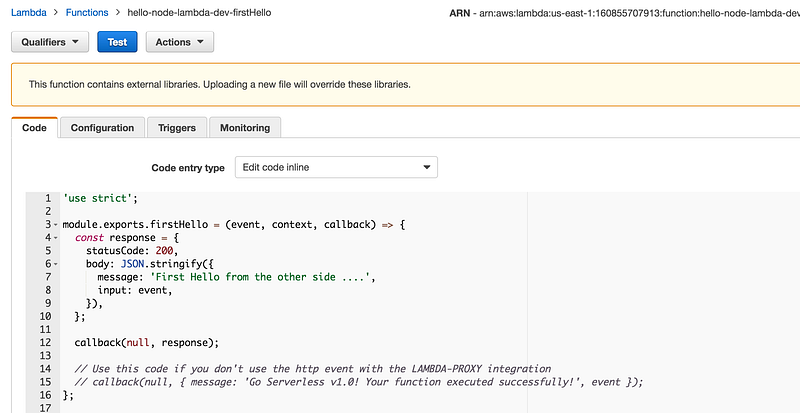
Boring Description: As you might already know AWS lambda is about deploying a payload/function/unit to Amazon Infrastructure.
Pros: Once deployed you don’t have to worry about scaling, load balancing and all the ops.
Why Serverless Framework?: Well it is just a way to automate/script your payload deployment to AWS instead of manually uploading your artifacts.
Step 1 :
AWS setup.
Give the IAM user admin privileges in your AWS account. (Not necessary but it is good for bootstrapping)
Step 2:
Install serverless globally through npm
npm install -g serverless
Step 3:
Create a template (not necessary as long as you the 3 files it generates)
sls create -t aws-nodejs --path hello-node-lambda
Note: You can serverless or sls as the command and
 -t for  --template
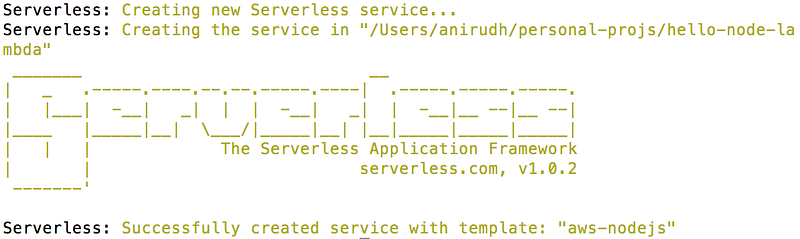
You must see a message like this.
The folder structure of the template will be like this:

Modify handler.js to this:
'use strict';
module.exports.firstHello = (event, context, callback) => {
 const response = {
 statusCode: 200,
 body: JSON.stringify({
 message: 'First Hello from the other side ….',
 input: event,
 }),
 };
callback(null, response);
// Use this code if you don't use the http event with the LAMBDA-PROXY integration
 // callback(null, { message: 'Go Serverless v1.0! Your function executed successfully!', event });
};
module.exports.secondHello = (event, context, callback) => {
 const response = {
 statusCode: 200,
 body: JSON.stringify({
 message: 'Second Hello from the other side ….',
 input: event,
 }),
 };
callback(null, response);
// Use this code if you don't use the http event with the LAMBDA-PROXY integration
 // callback(null, { message: 'Go Serverless v1.0! Your function executed successfully!', event });
};
First Hello & Second Hello are our 2 hello lambda functions.
Now in serverless.yml
service: hello-node-lambda
provider:
 name: aws
 runtime: nodejs4.3
functions:
 firstHello:
 handler: handler.firstHello
 secondHello:
 handler: handler.secondHello
Be cautious about the indentation. It is very touchy about that!
Once we have this ready.
Step 4: Deploy
sls deploy -v
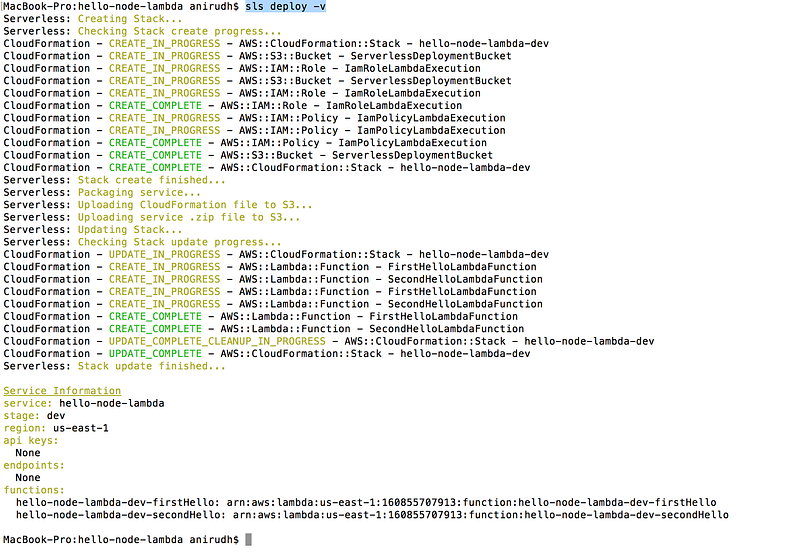
Once you see this your deploy is done. You might have some issues here if you don’t give admin access to your IAM role/user.
Step 5: Testing!
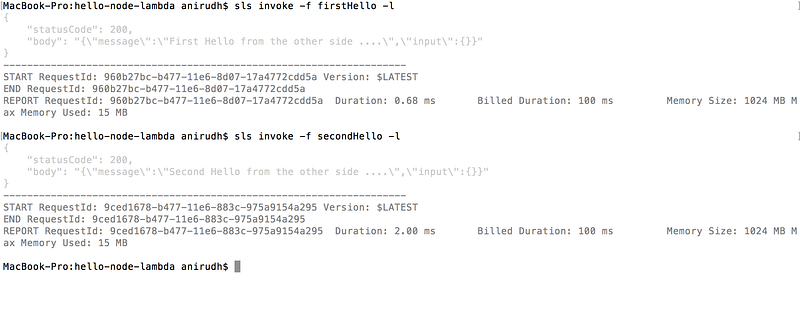
sls invoke -f firstHello -l
This will invoke your lambda on aws
You can always login to AWS web portal to visualize your lambda.
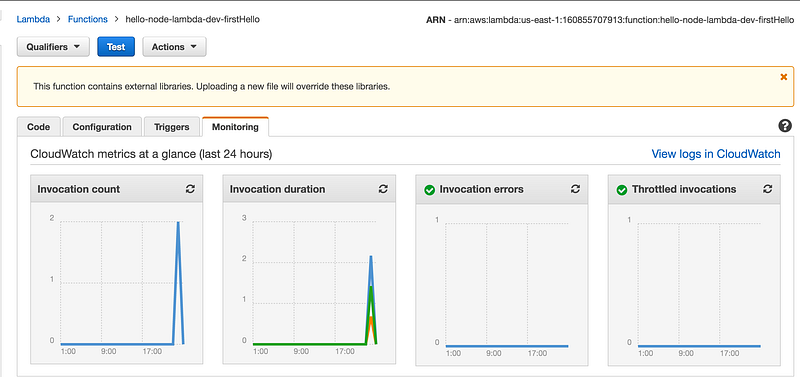
AWS Web Portal
You can invoke/test the lambda online too.
Last thought
You can change the code on the fly if you like to go the cowboy style! (If you can maintain it that is)